
Resume Templates
20 layouts for your resume, from plain one-column pages that hiring software reads in order to designed pages to hand to a person. Each picture shows a made-up resume. Your own resume goes into any of them on the First plan.
ATS-safe templates 14
One column of plain text with the usual headings. The software many employers use to read applications takes these in the right order.
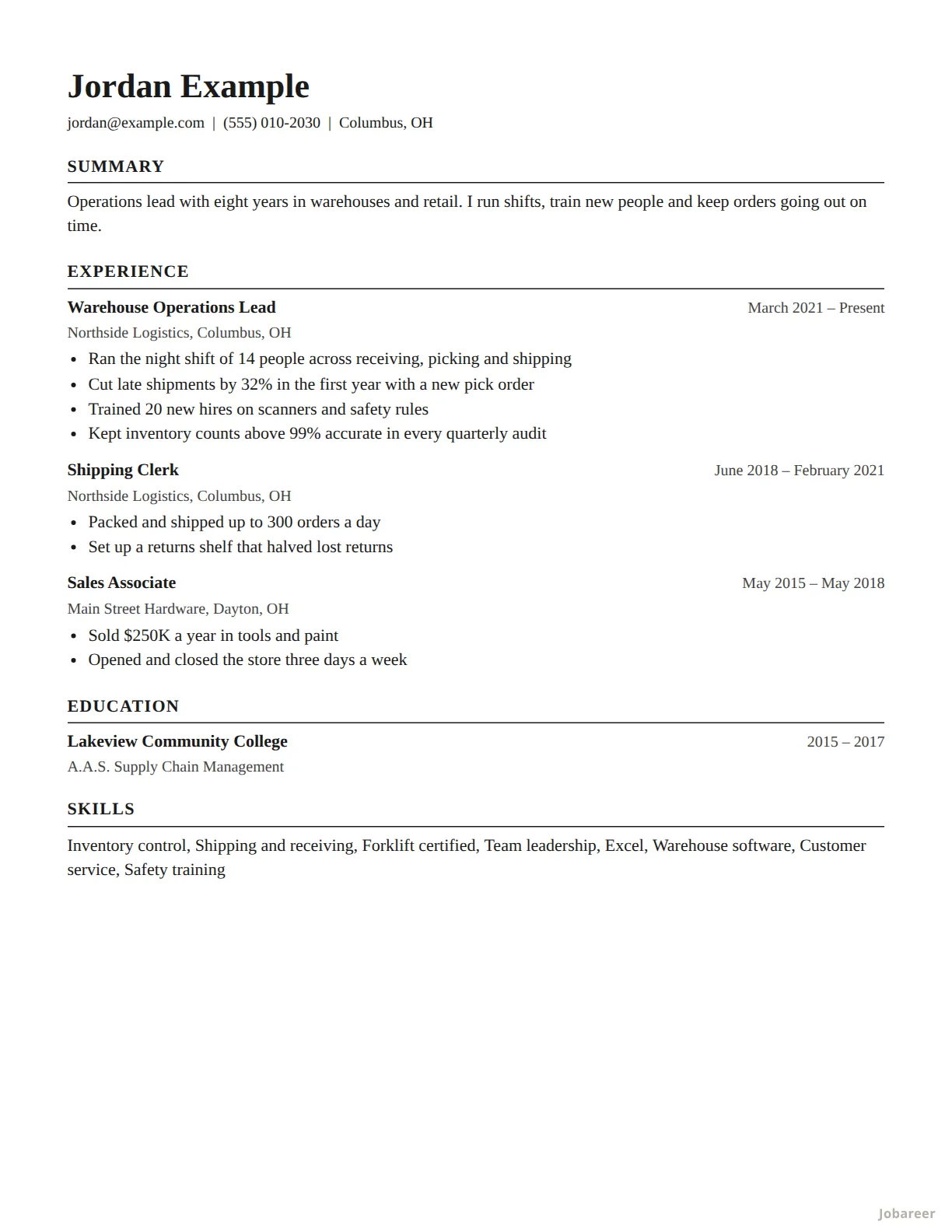 Classic
Any job. The safe choice when you are not sure which to pick.
ATS-safe
Classic
Any job. The safe choice when you are not sure which to pick.
ATS-safe
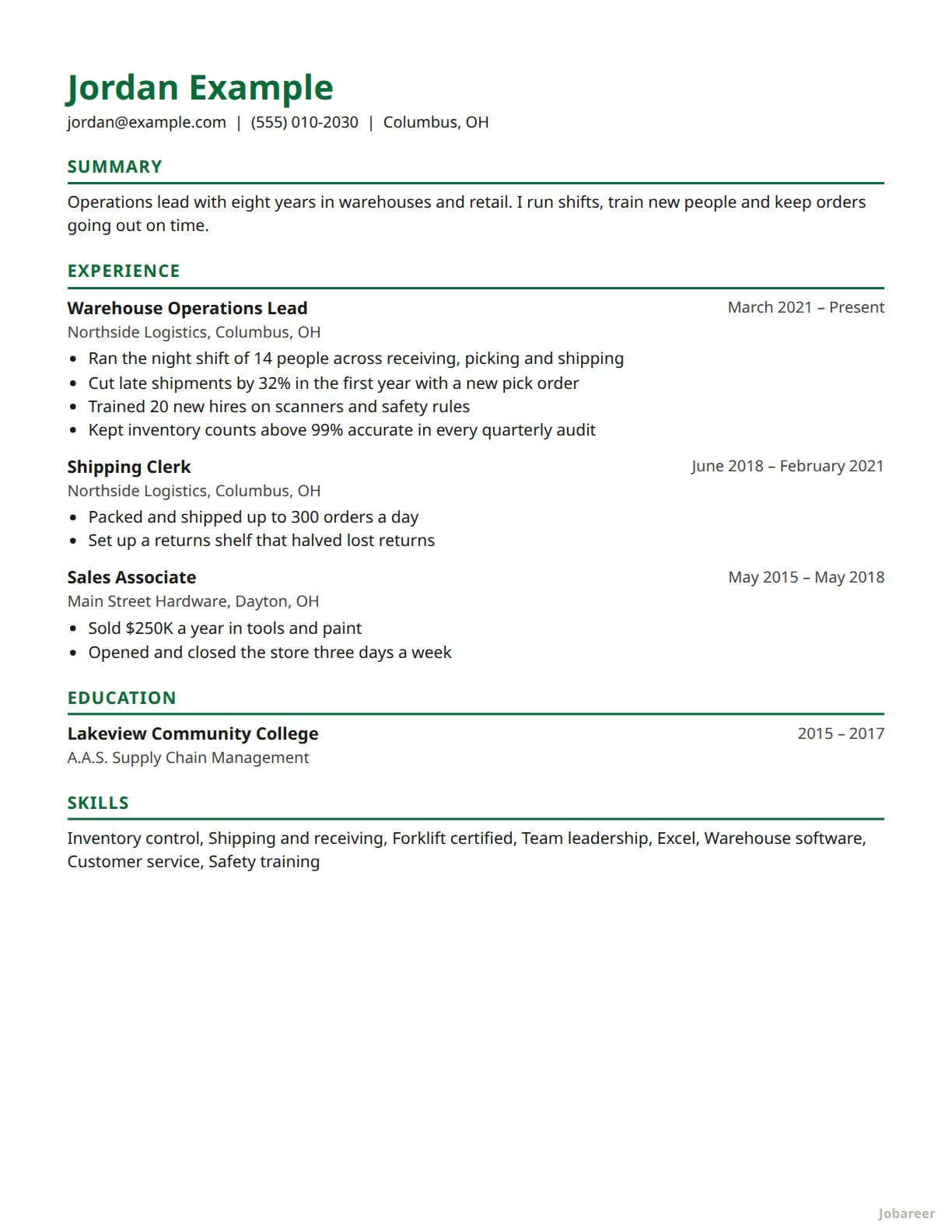 Modern
Any job, with a touch of color in the headings.
ATS-safe
Modern
Any job, with a touch of color in the headings.
ATS-safe
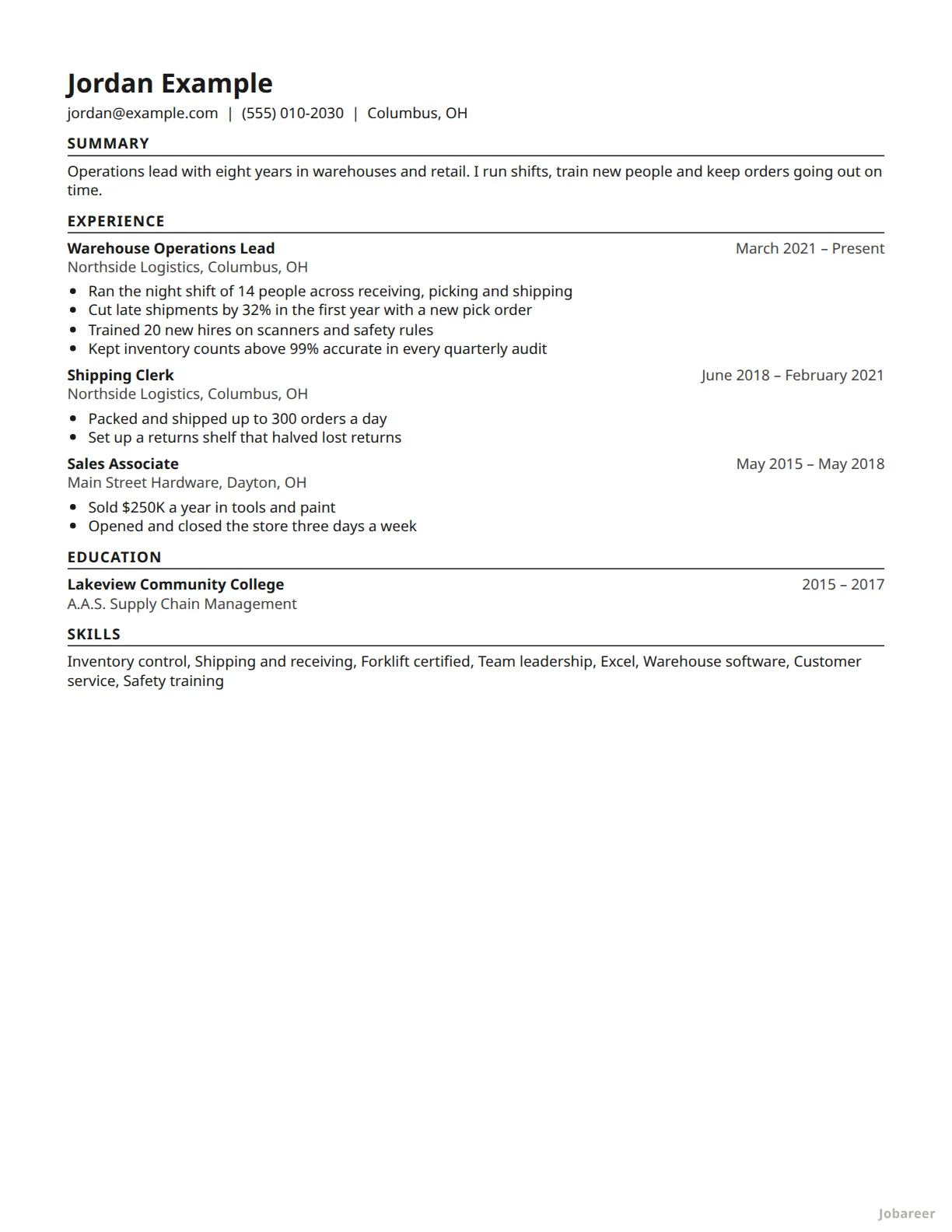 Compact
A long work history that has to fit on one page.
ATS-safe
Compact
A long work history that has to fit on one page.
ATS-safe
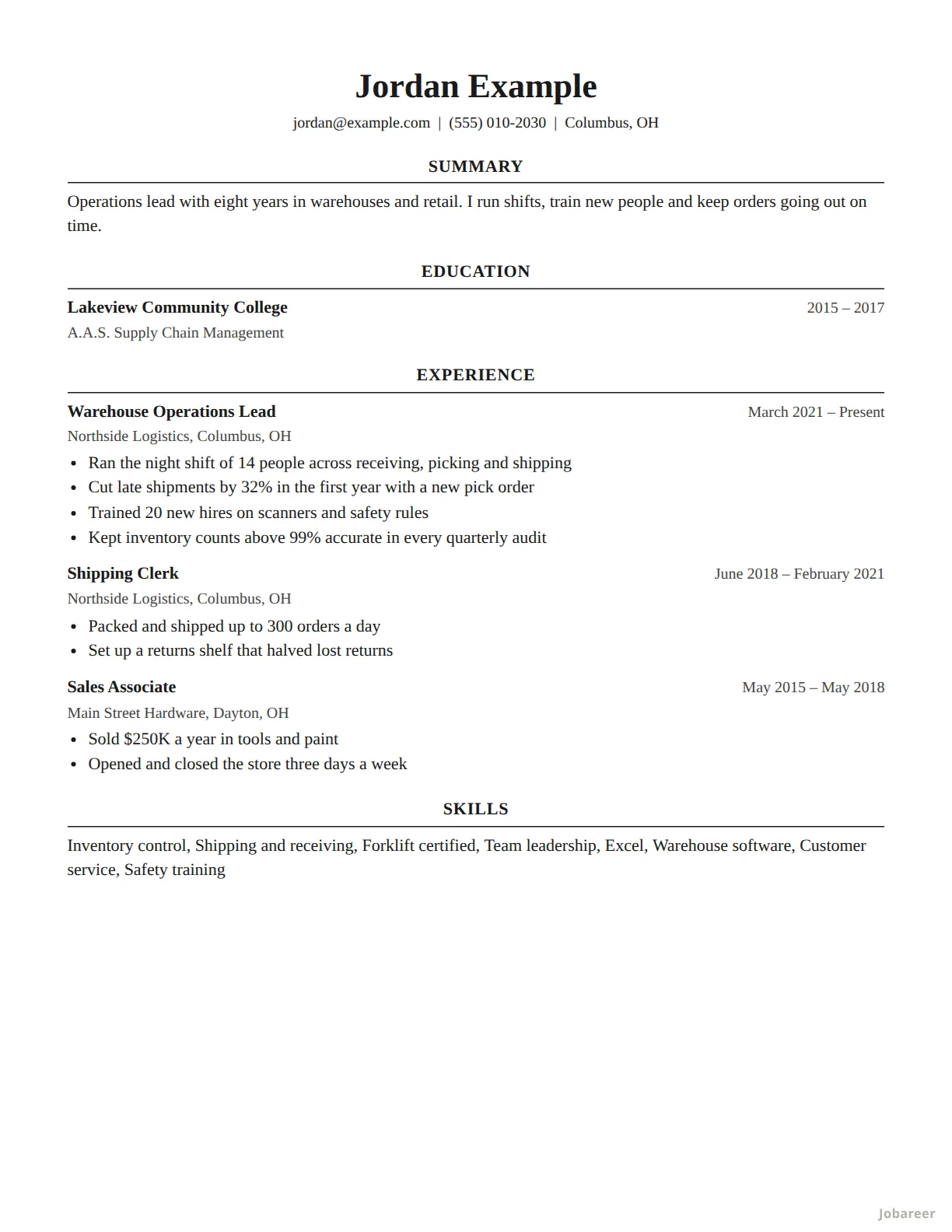 Harvard
Graduates, and anyone whose education should come first.
ATS-safe
Harvard
Graduates, and anyone whose education should come first.
ATS-safe
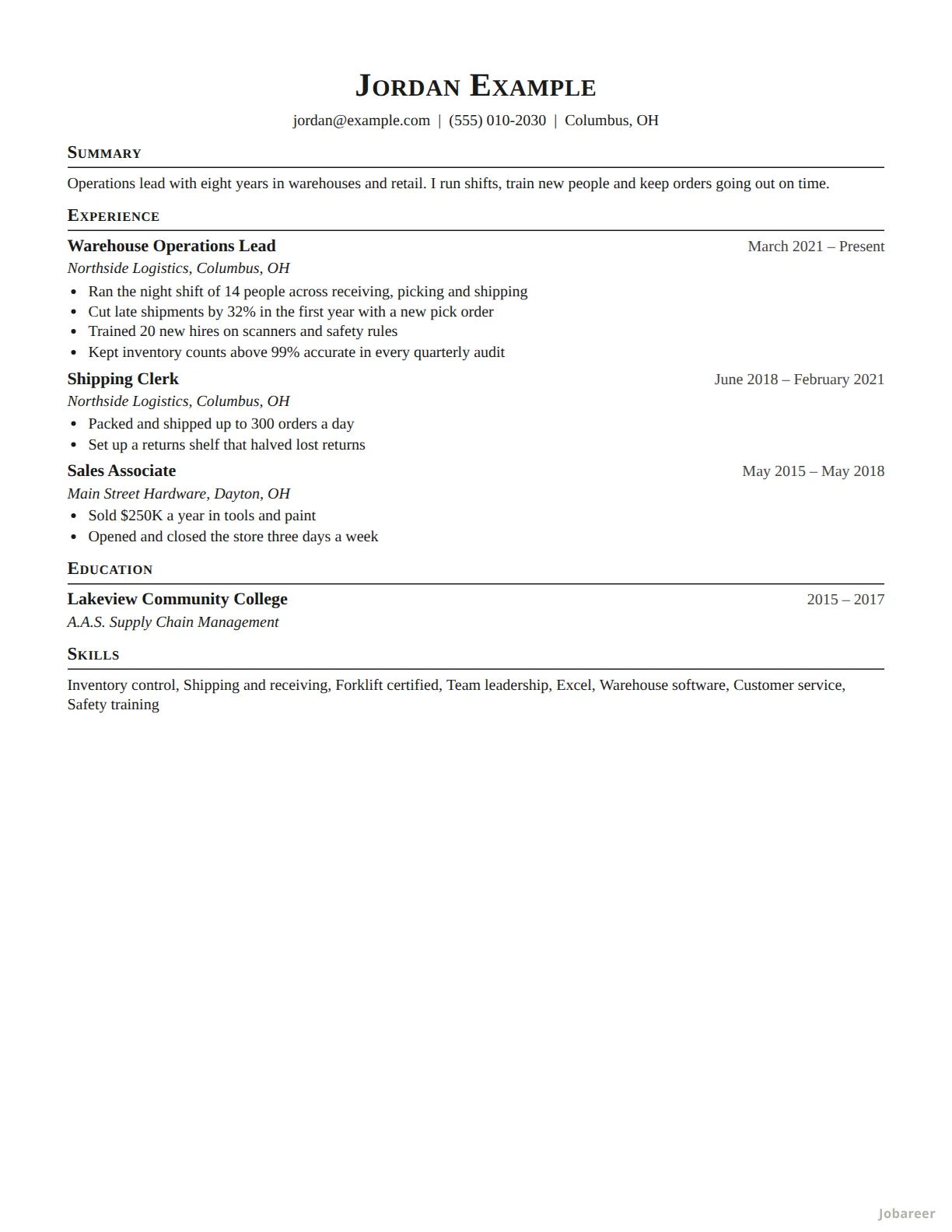 Technical
Engineering and technical jobs: dense, one page, nothing extra.
ATS-safe
Technical
Engineering and technical jobs: dense, one page, nothing extra.
ATS-safe
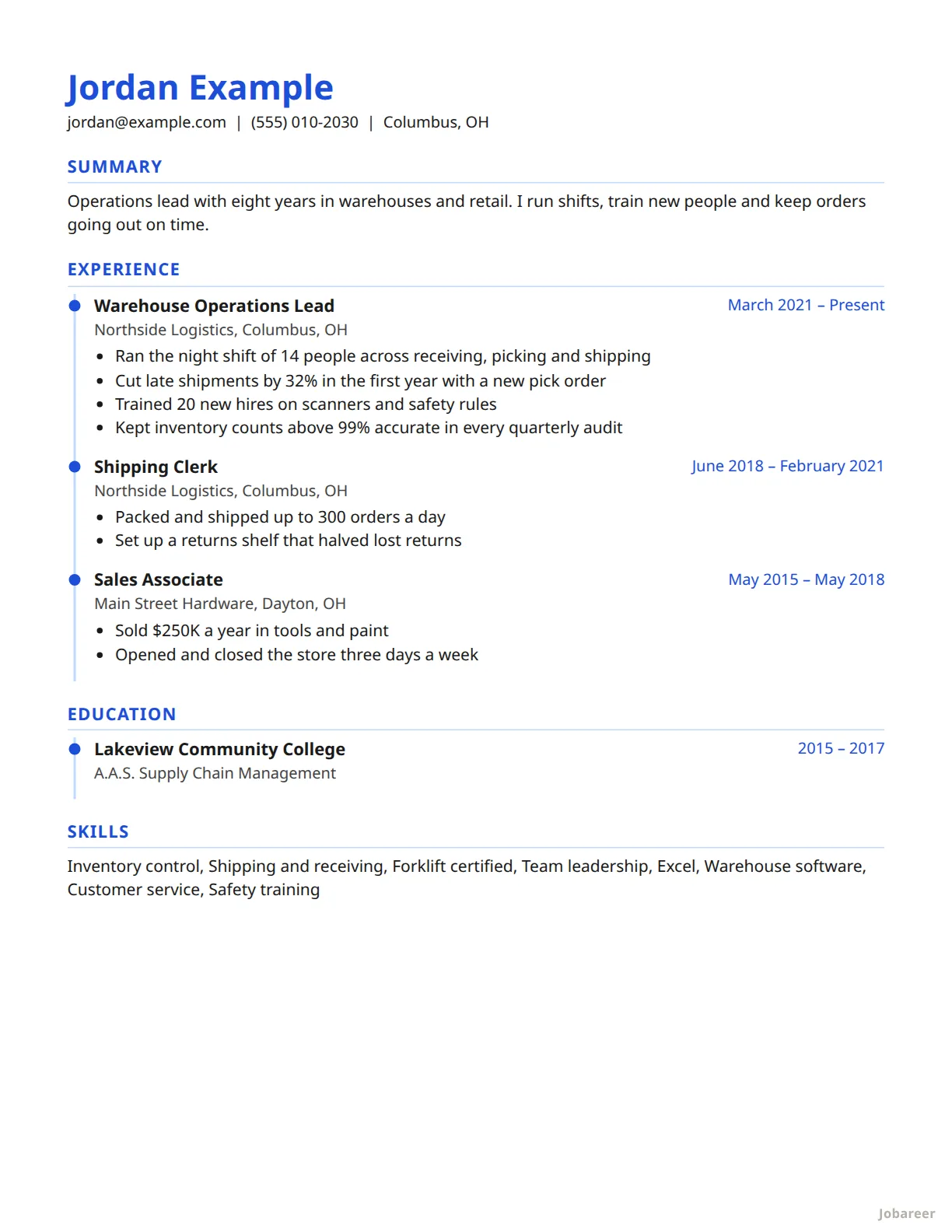 Timeline
A steady run of jobs you want read in order.
ATS-safe
Timeline
A steady run of jobs you want read in order.
ATS-safe
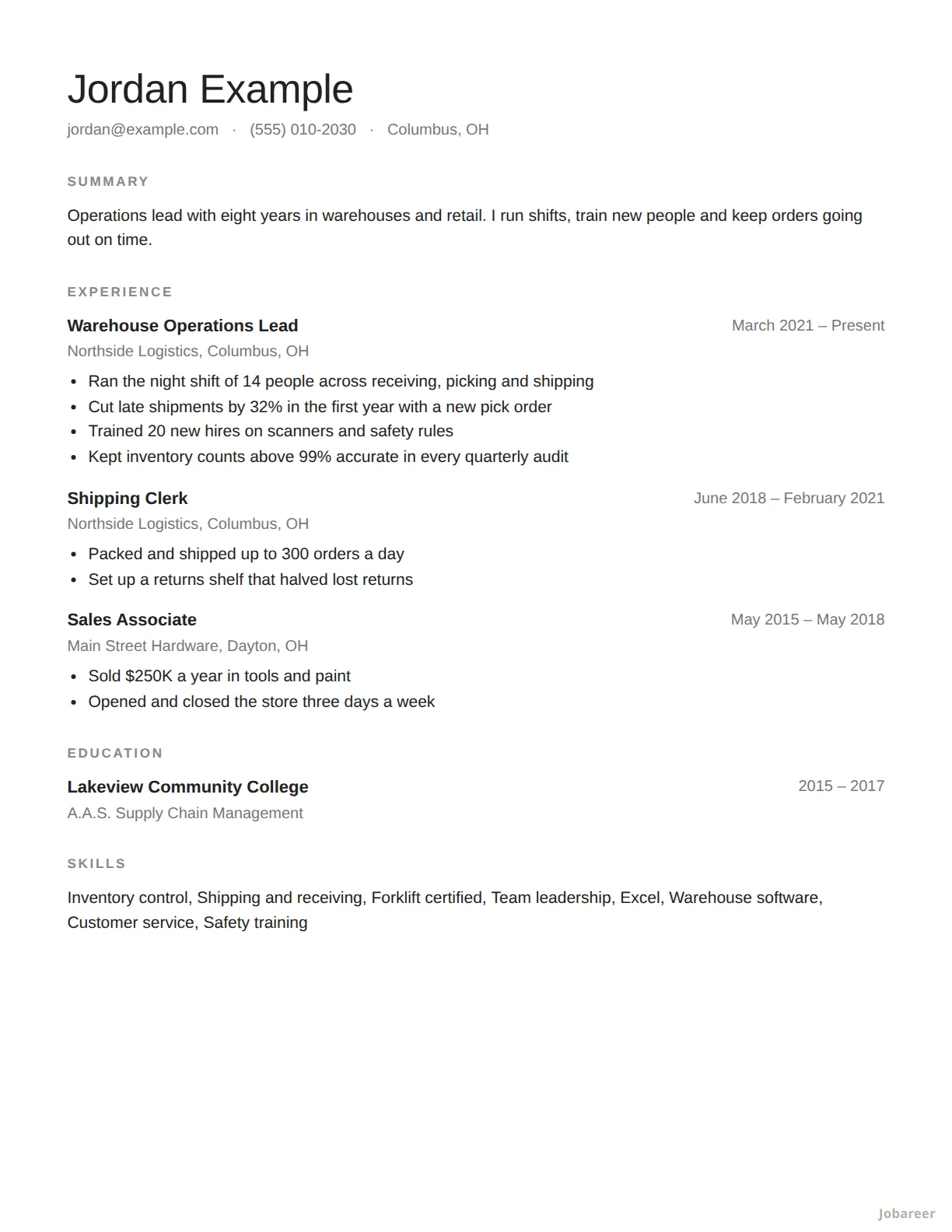 Minimal
A quiet page with plenty of room around the words.
ATS-safe
Minimal
A quiet page with plenty of room around the words.
ATS-safe
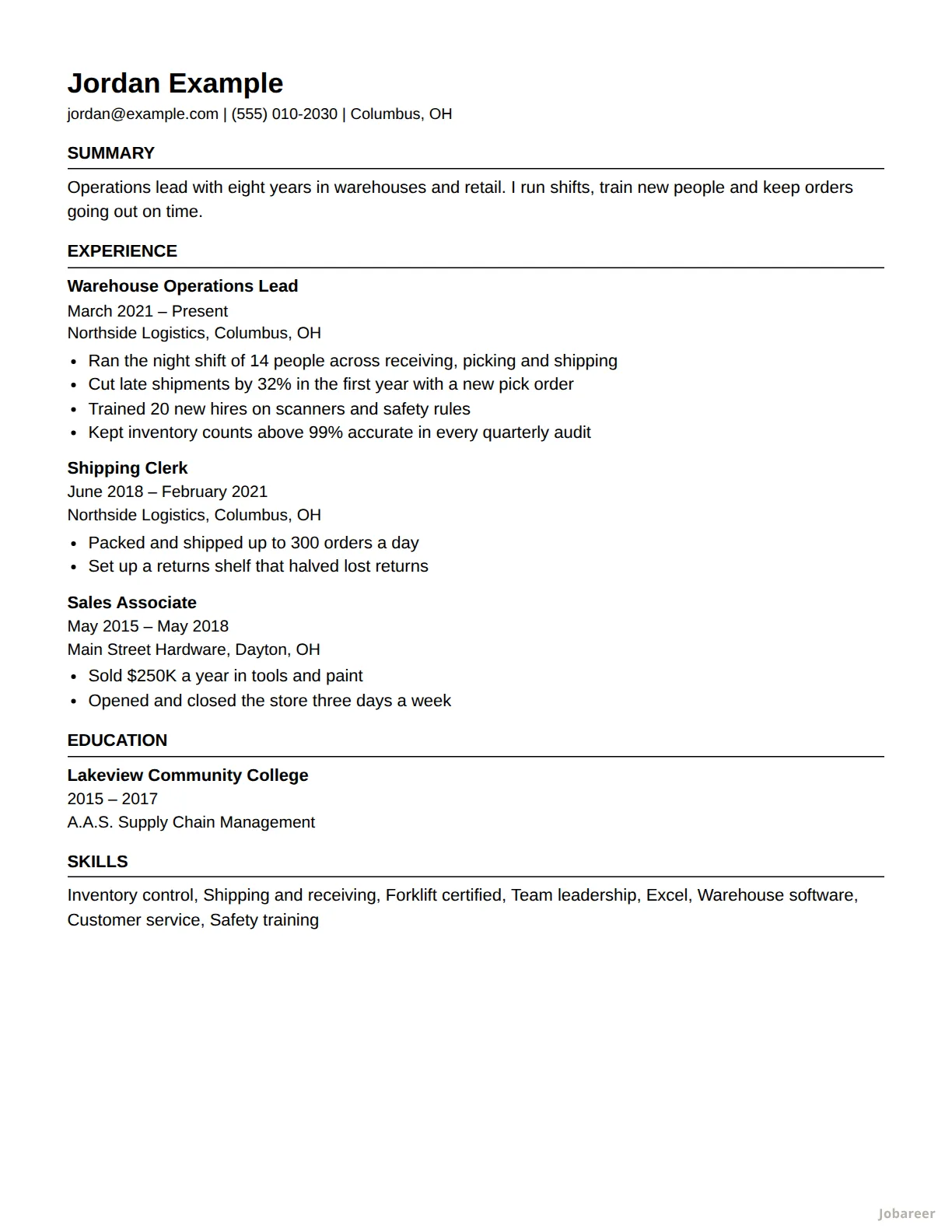 Plain Text
Applying online, where software reads your resume first.
ATS-safe
Plain Text
Applying online, where software reads your resume first.
ATS-safe
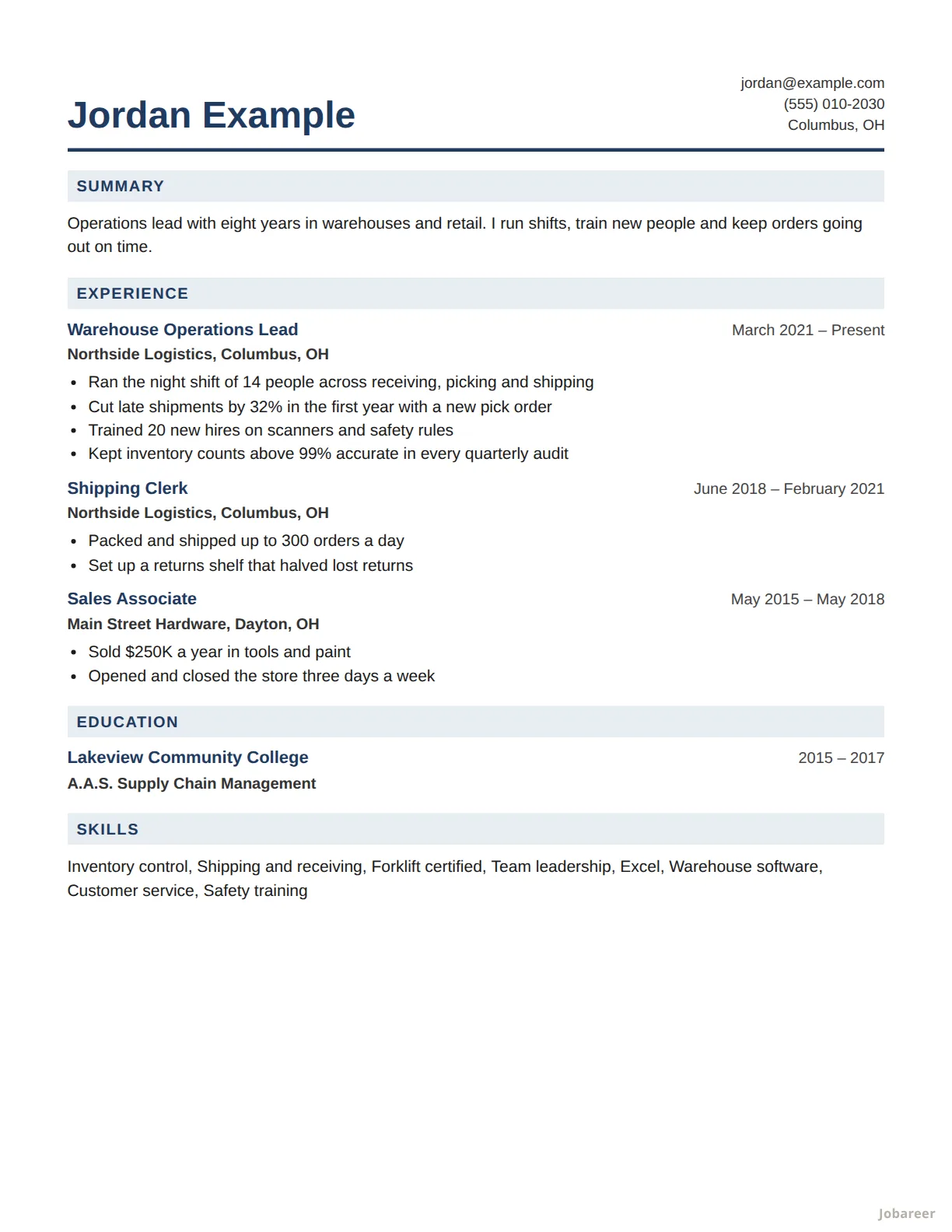 Corporate
Office, finance and business roles.
ATS-safe
Corporate
Office, finance and business roles.
ATS-safe
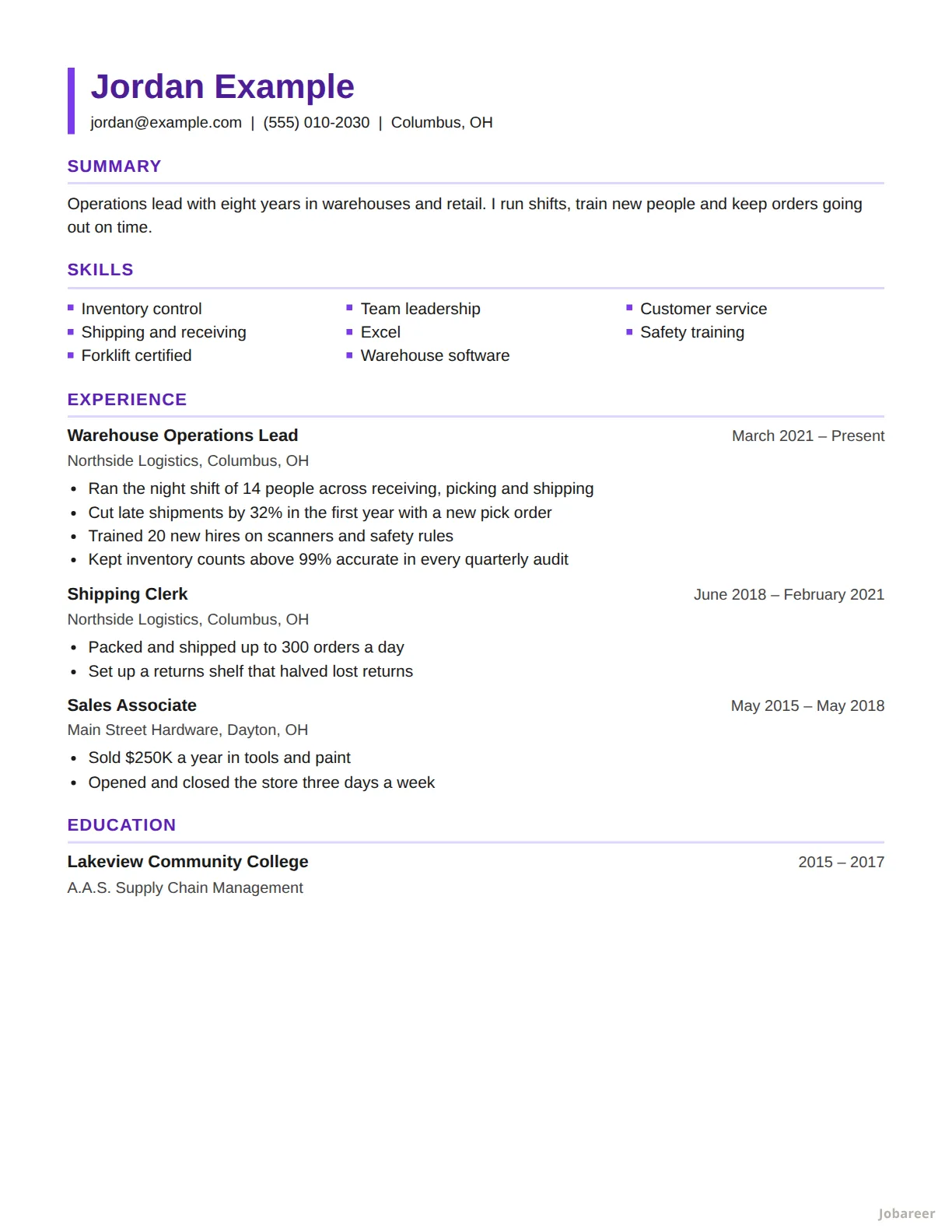 Skills First
A career change, or gaps between jobs.
ATS-safe
Skills First
A career change, or gaps between jobs.
ATS-safe
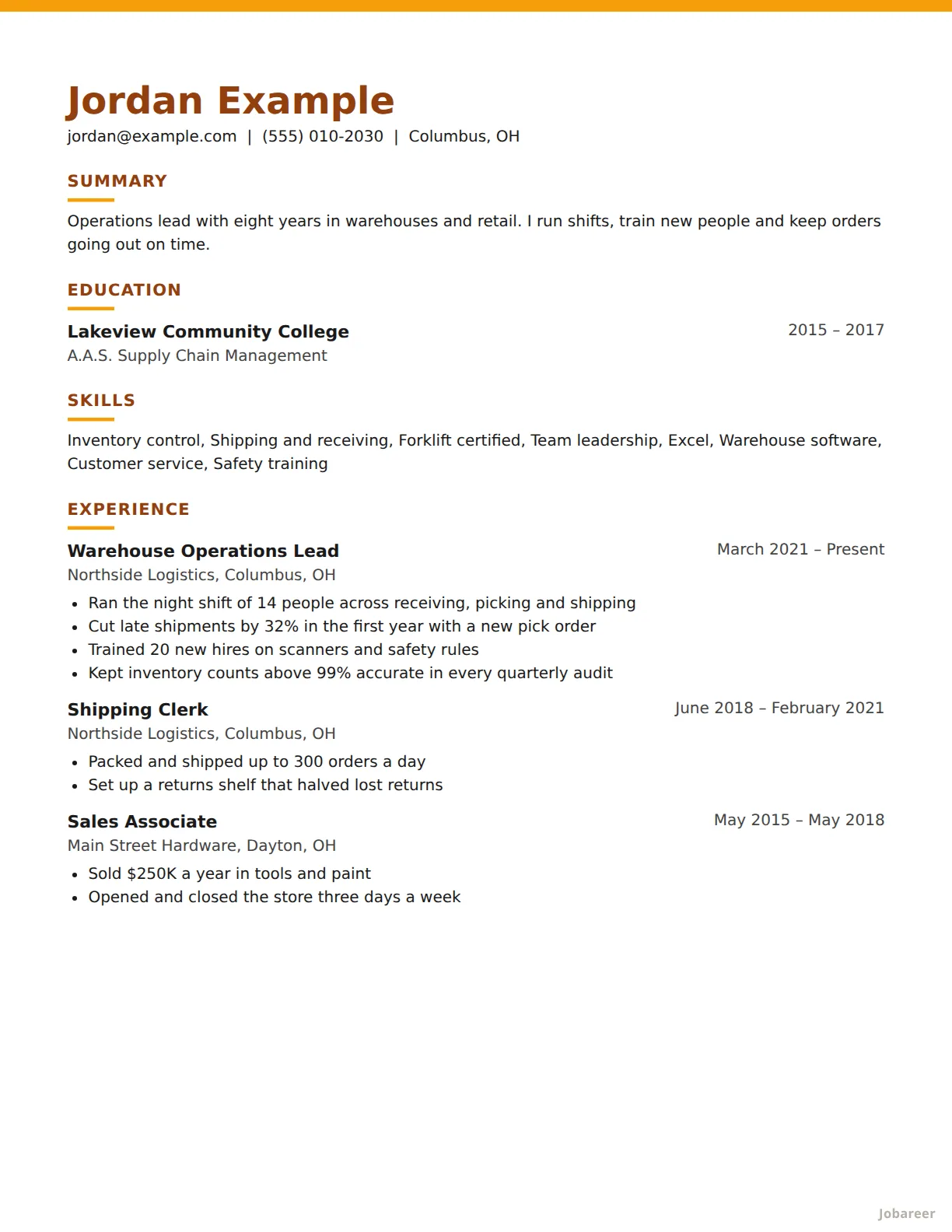 First Job
Students, and anyone looking for a first job.
ATS-safe
First Job
Students, and anyone looking for a first job.
ATS-safe
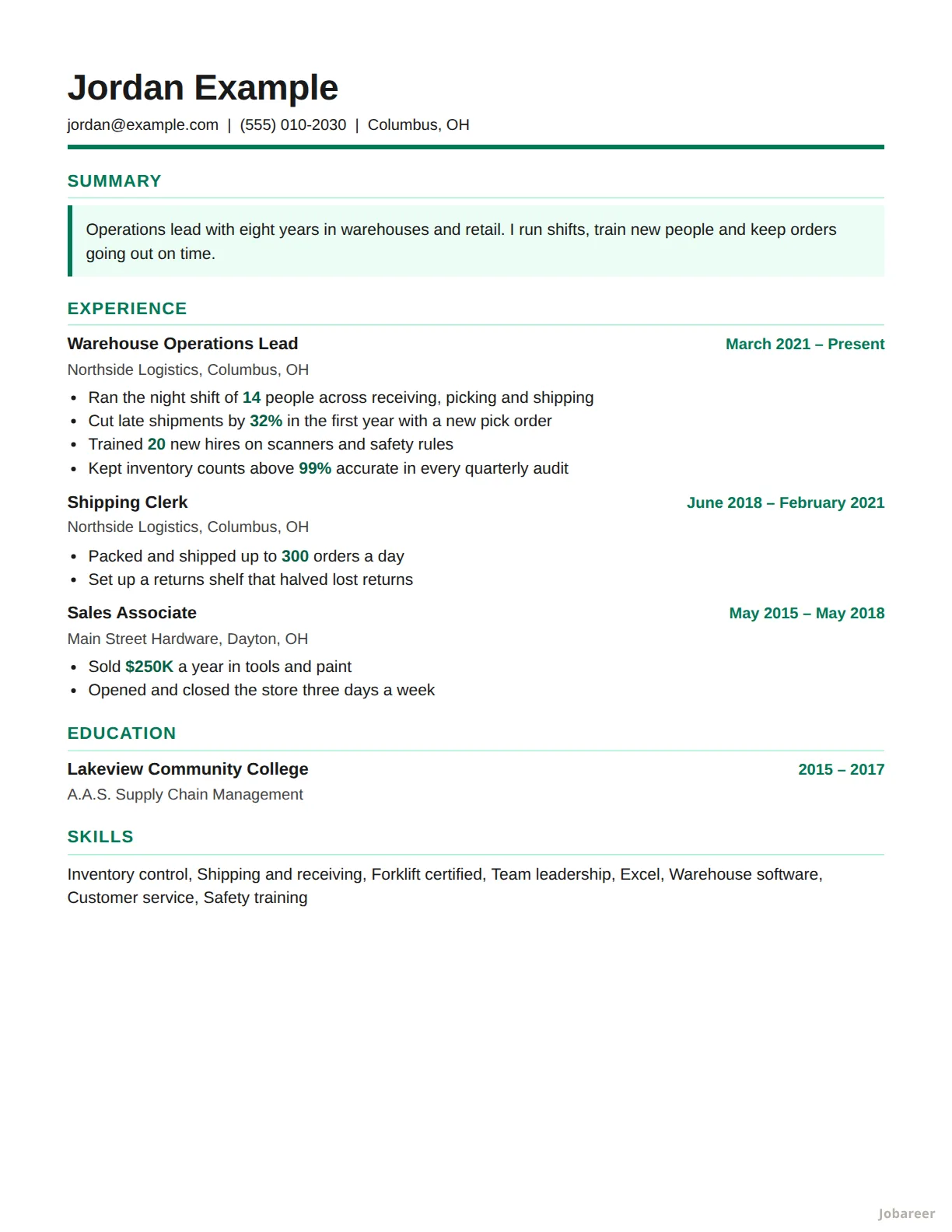 Results
Sales, and anyone measured on numbers.
ATS-safe
Results
Sales, and anyone measured on numbers.
ATS-safe
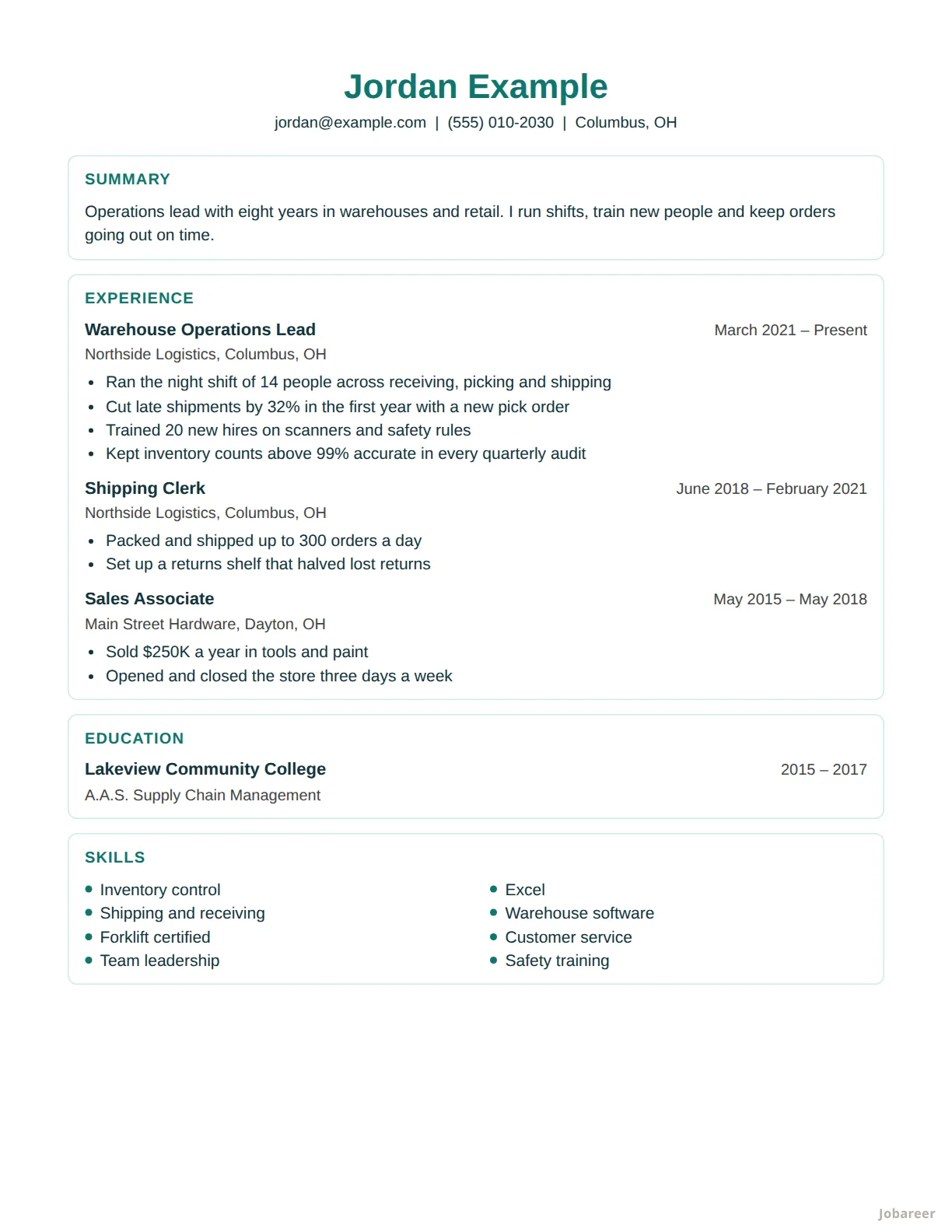 Clinical
Nursing and health care.
ATS-safe
Clinical
Nursing and health care.
ATS-safe
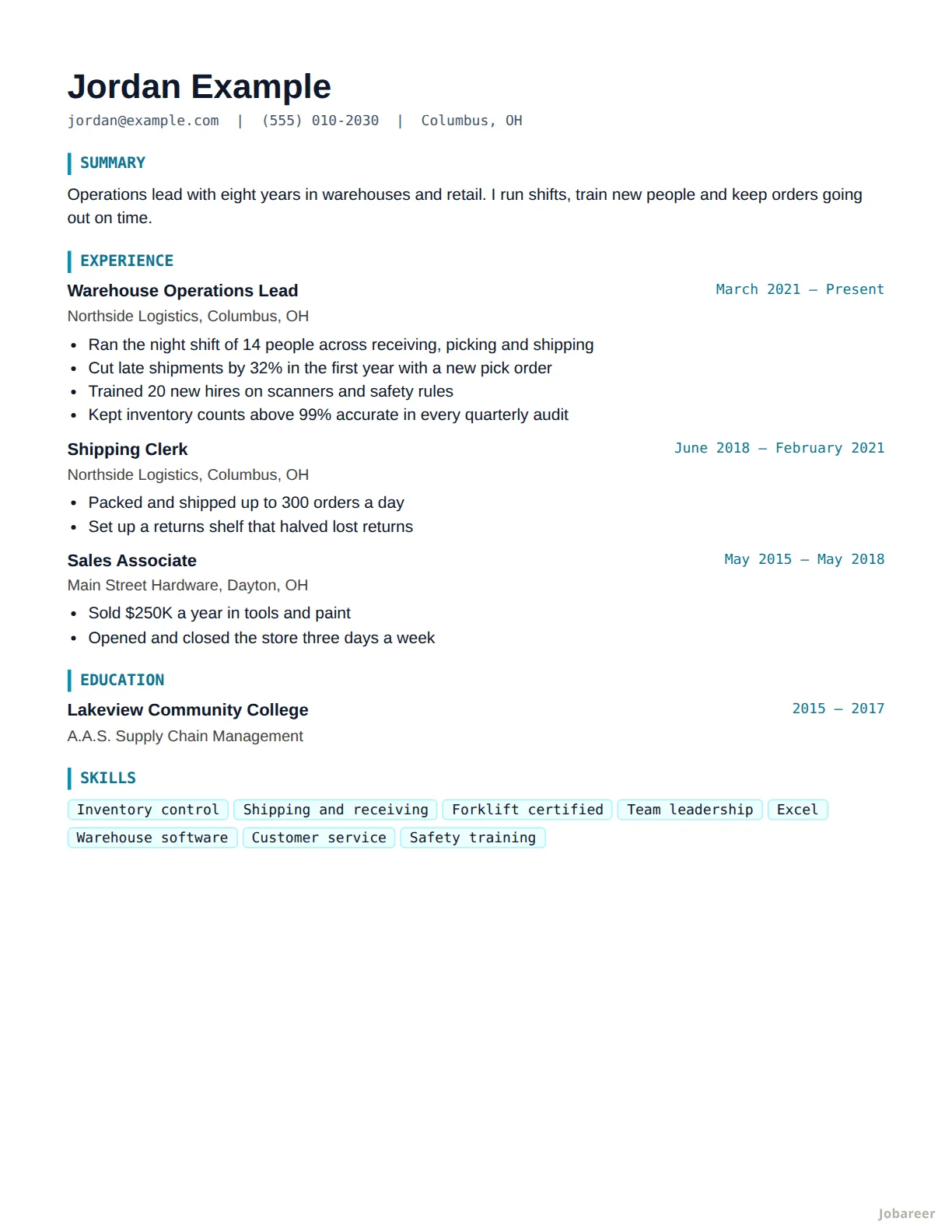 Developer
Software and IT jobs.
ATS-safe
Developer
Software and IT jobs.
ATS-safe
Designed templates 6
Columns, bands and color. Best handed to a person or sent by email; some application software reads side-by-side text out of order.
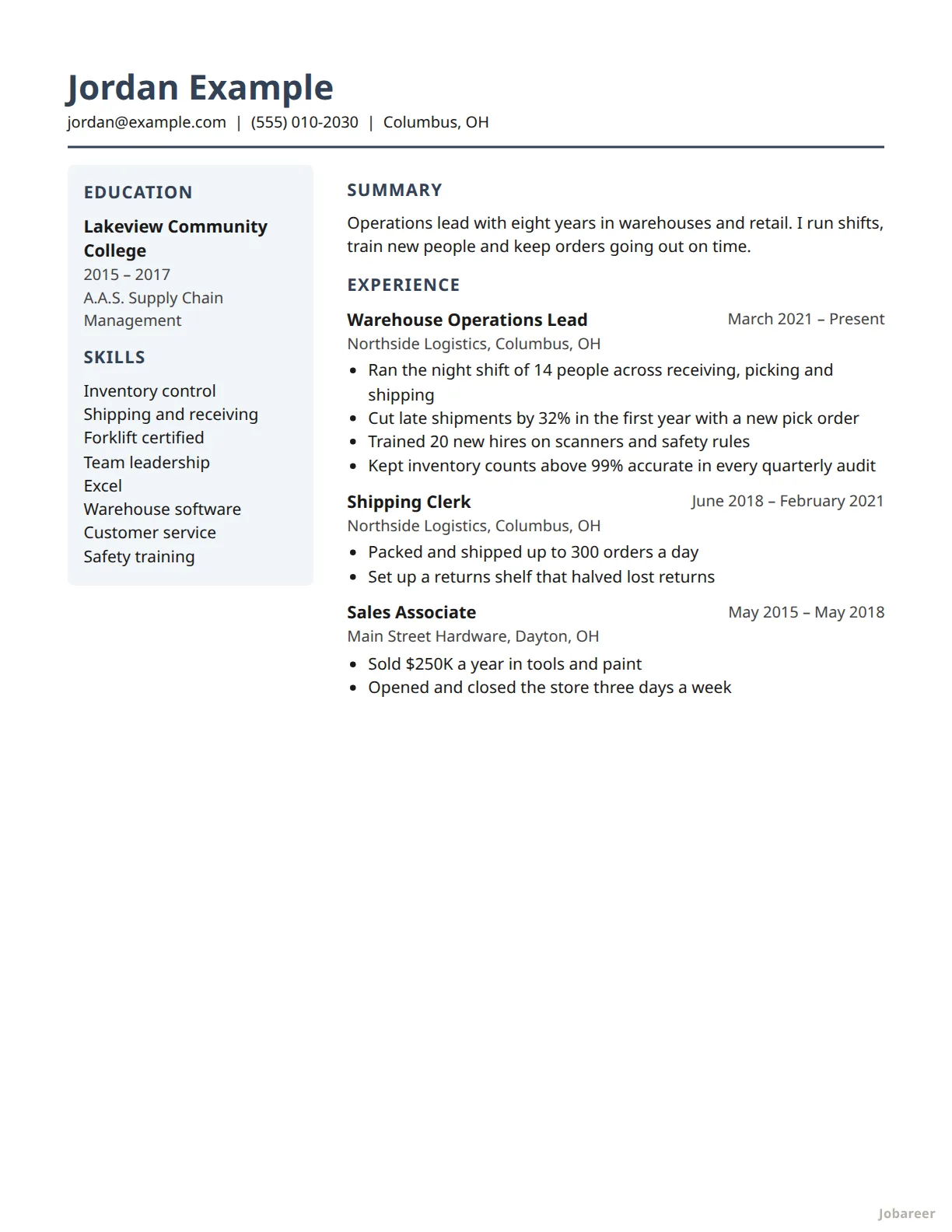 Sidebar
Handing to a person, with your skills in a column of their own.
Designed
Sidebar
Handing to a person, with your skills in a column of their own.
Designed
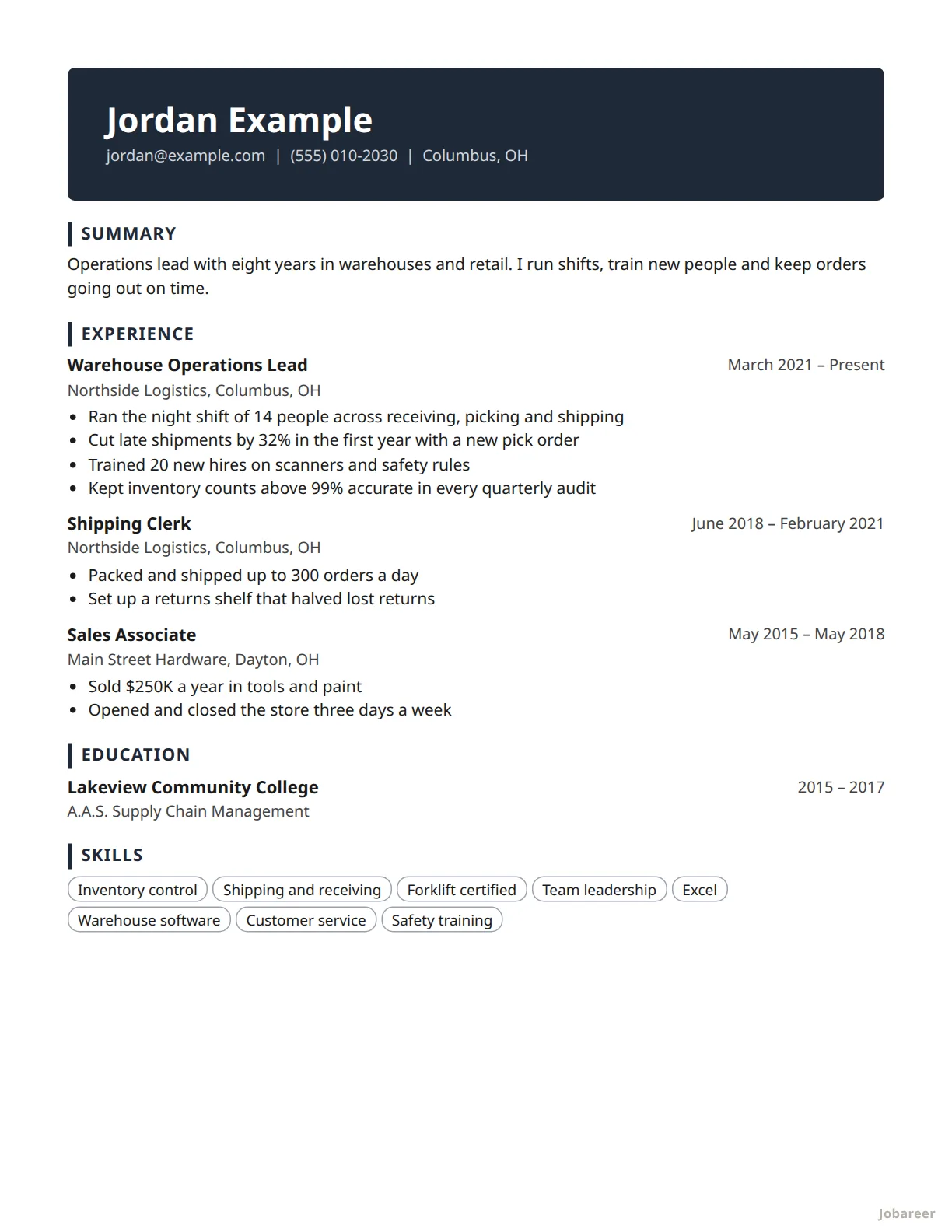 Banner
Standing out on a printed page or an email attachment.
Designed
Banner
Standing out on a printed page or an email attachment.
Designed
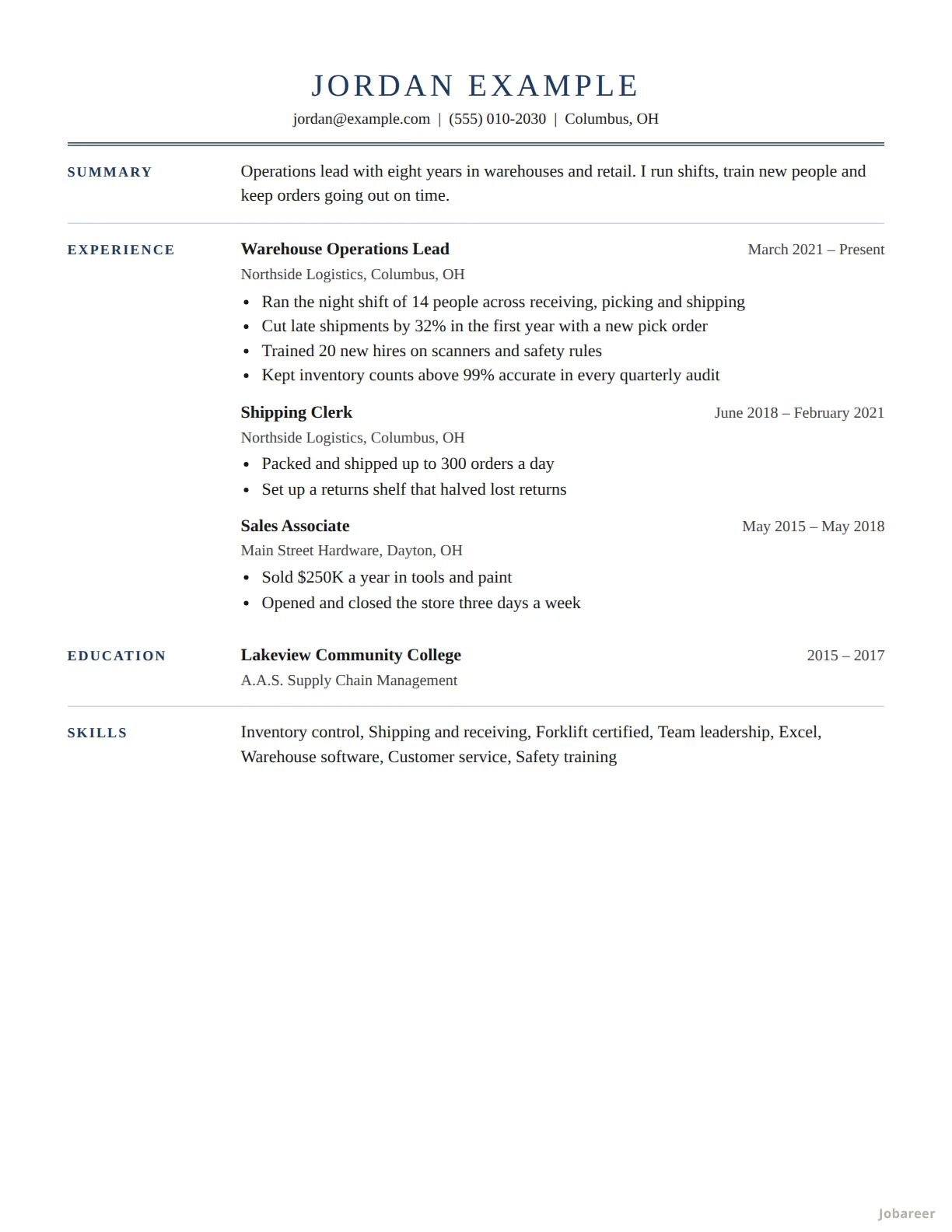 Executive
Senior and management roles.
Designed
Executive
Senior and management roles.
Designed
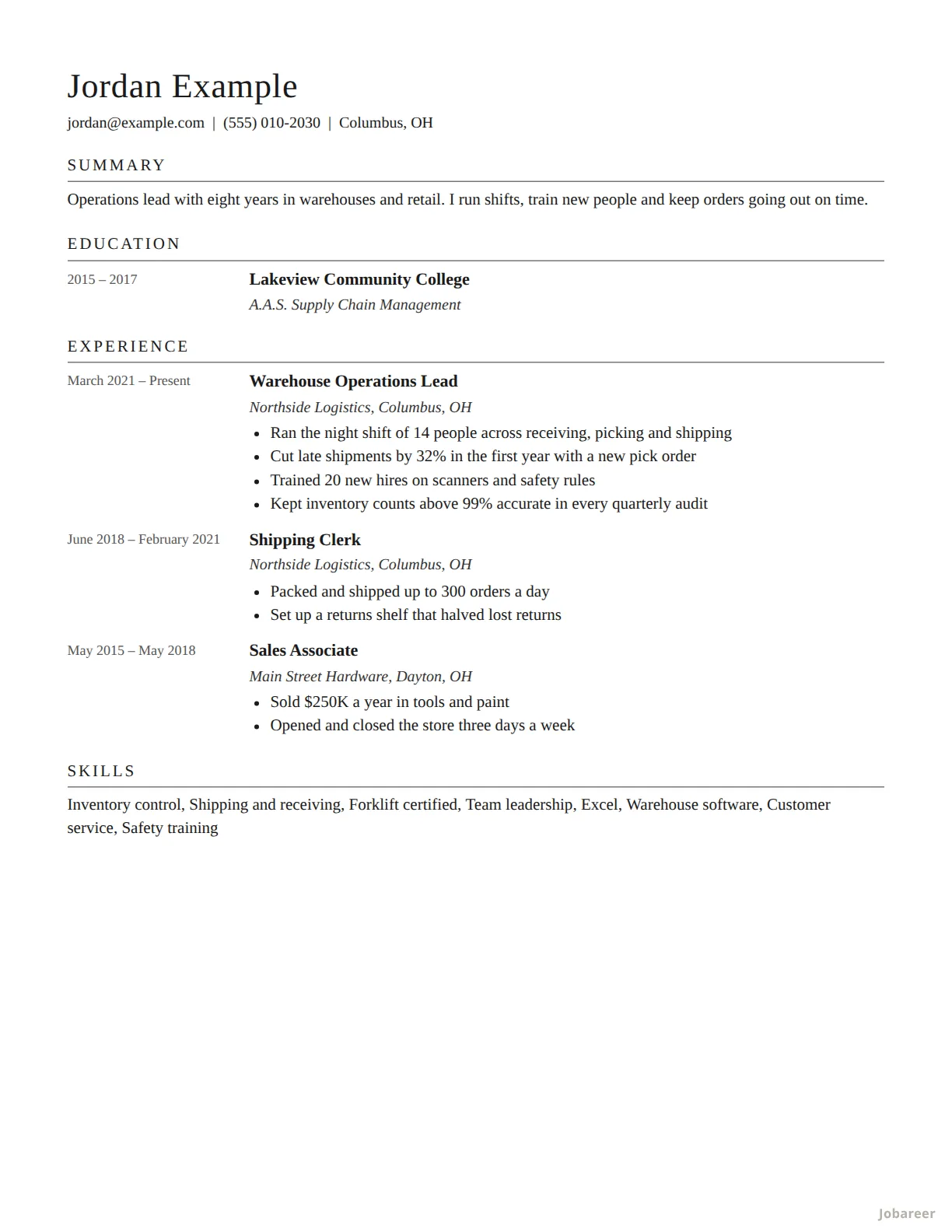 Academic
Teaching and research, set out the way a CV is.
Designed
Academic
Teaching and research, set out the way a CV is.
Designed
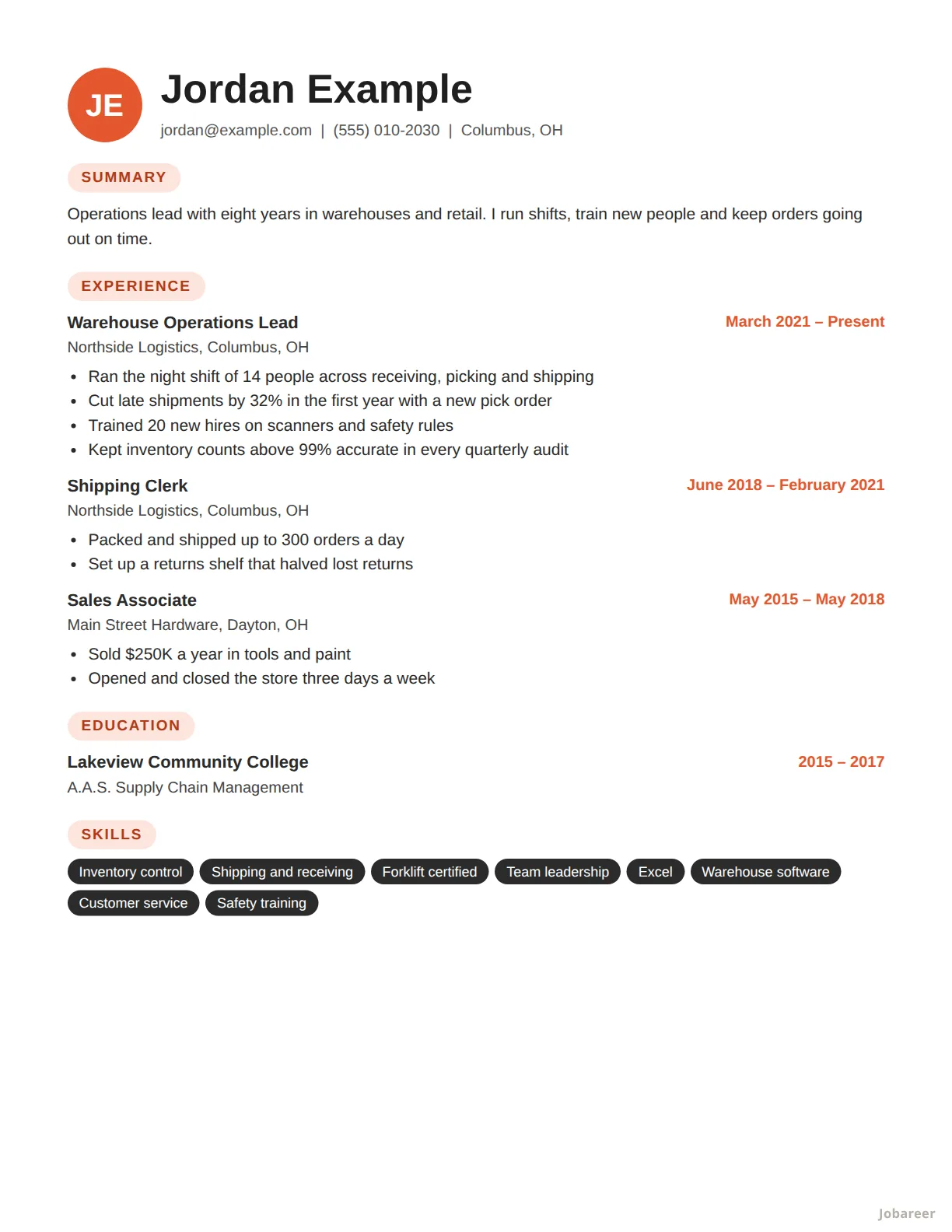 Creative
Design, marketing and other creative work.
Designed
Creative
Design, marketing and other creative work.
Designed
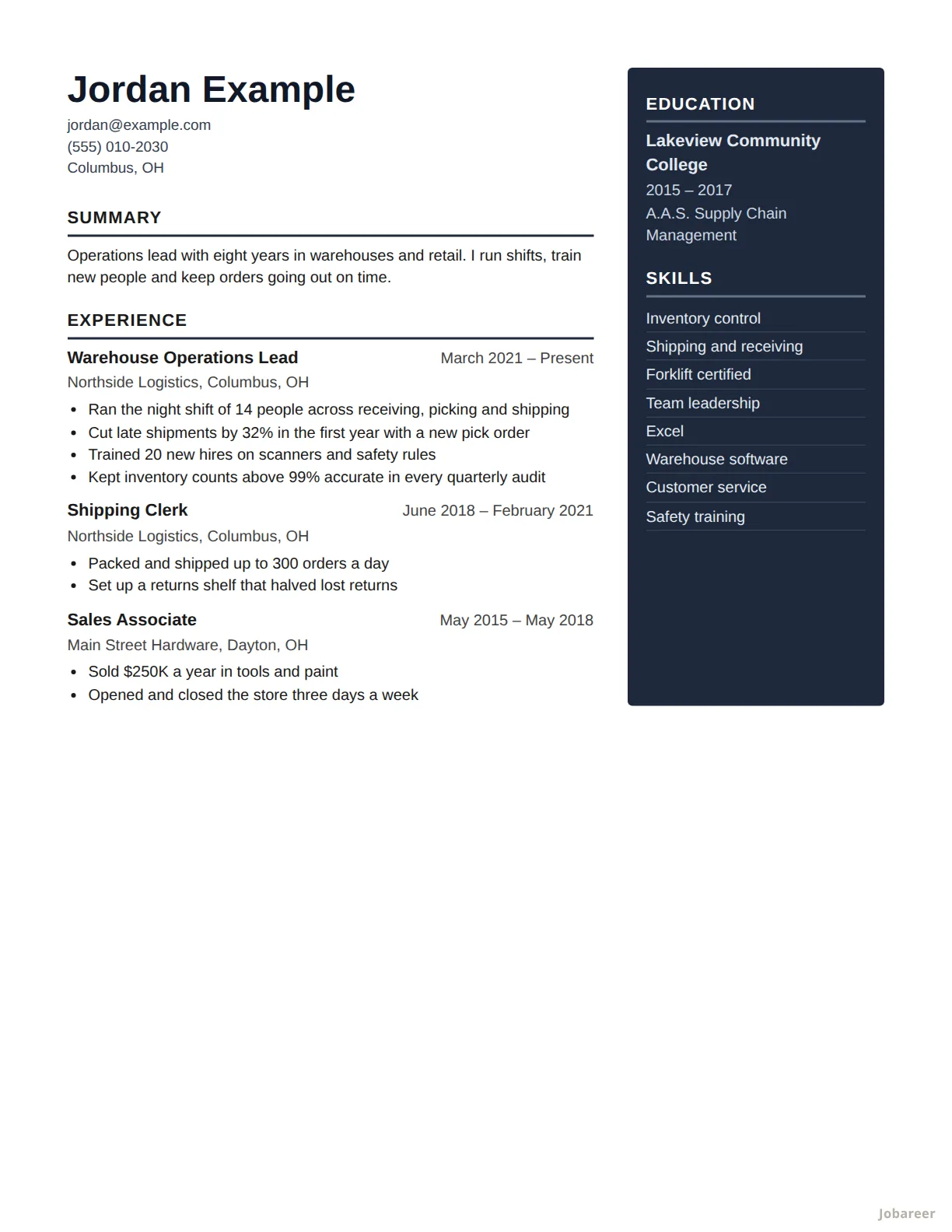 Two Column
Sending by email, with skills and education to one side.
Designed
Two Column
Sending by email, with skills and education to one side.
Designed
ATS-safe or designed?
Many employers put a resume through an applicant tracking system (ATS) before a person reads it. Those programs read text best when it runs in one column, top to bottom, under the usual headings. The 14 ATS-safe templates are built that way: no columns side by side, no text in pictures.
The designed ones put skills or education in a column of their own, or add bands and color. A person reading them sees a tidy page; some programs read the columns out of order. Use them when you hand a resume over, or send it to someone by email.
Not sure? Apply online with an ATS-safe one.
How to use one
- Upload your resume under Resumes in your dashboard and have it read, or type your jobs, education and skills in.
- Open the resume and pick a template. Your own words are laid out in it, and you can switch between all 20.
- Print it, or choose "Save as PDF" in your browser's print window.
Templates come with the First plan. How Resume Templates work · See the plans